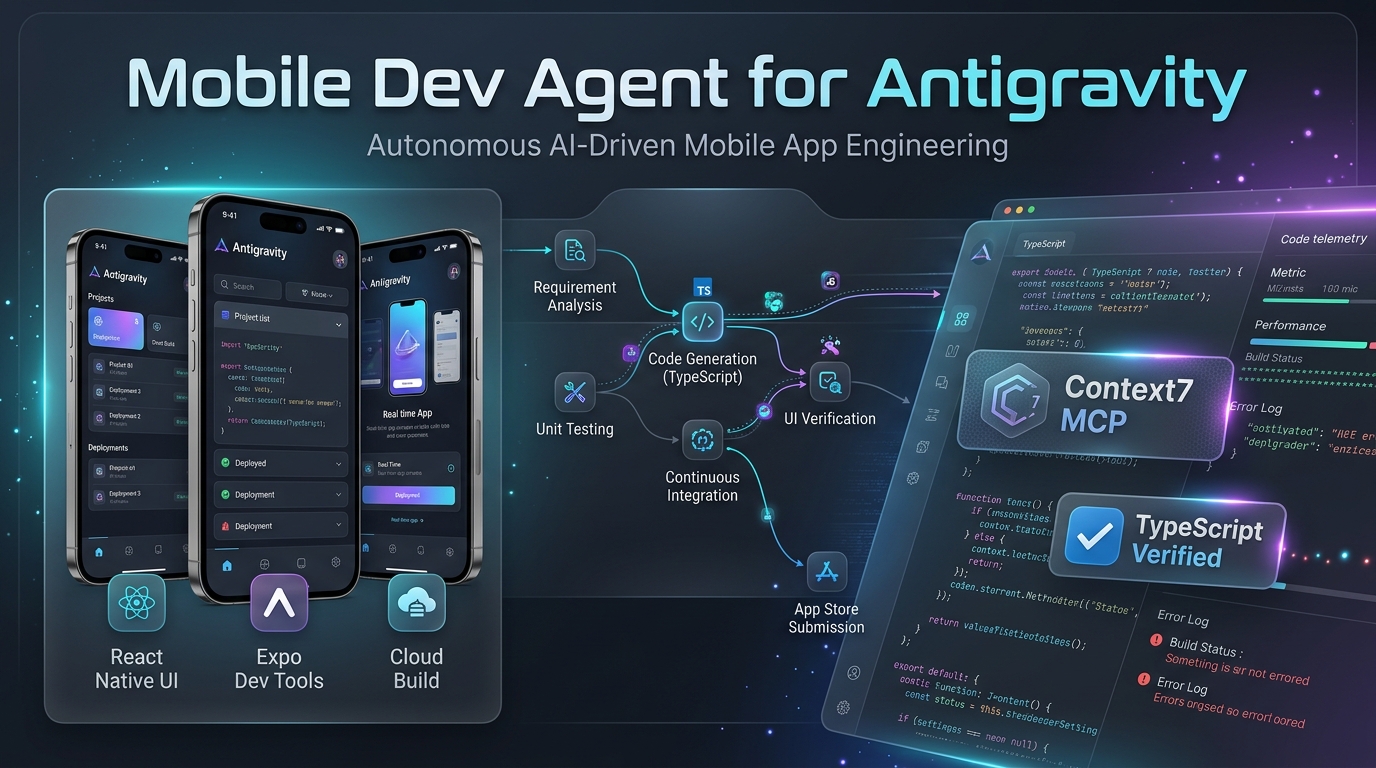
Why Autonomous Mobile Development Was Broken
When LLM coding agents write mobile applications, they routinely stumble into failure modes that do not exist in standard web development:
- Rapid API Depreciation & Hallucinations: Expo and React Native evolve at breakneck speeds. LLM training sets frequently recommend obsolete packages (
expo-permissions, deprecatedAsyncStoragepatterns, or incompatible Expo Router v2 syntaxes in Expo SDK 52). - Context Amnesia: Every time a developer starts a new chat prompt, the agent asks the same repetitive questions: "Are you using Yarn or Bun?", "Is Tailwind/NativeWind configured?", "What is your primary brand color?"
- Cryptic Build & Bundler Crashes: Native CocoaPods conflicts, duplicate module errors, Metro bundler cache staleness, and mismatched Android NDK versions derail execution.
To fix these problems at the architectural level, I engineered Mobile Dev Agent—an autonomous plugin specifically built for the Google Antigravity CLI subagent architecture.
Core Mechanics & Innovations
+-----------------------------------------------------------------------------------+
|                        Antigravity CLI Agentic Runtime                            |
+-----------------------------------------+-----------------------------------------+
                                          |
                                          v
+-----------------------------------------------------------------------------------+
|                         Mobile Dev Agent Autonomous Core                          |
|                                                                                   |
|  [ 1. Persistent Memory ]     [ 2. Context7 Live Docs ]   [ 3. Self-Healing ]     |
|   .agents/skills/mobile-      Direct SDK 52+ querying      20+ Recovery Heuristics |
|   dev-context/SKILL.md        Zero Hallucinated APIs       Metro/Pods/Gradle/Lock  |
+-----------------------------------------+-----------------------------------------+
                                          |
                                          v
+-----------------------------------------------------------------------------------+
|                           Production Native Targets                               |
|       • Expo Router Tabs & Stacks             • NativeWind / Tailwind CSS         |
|       • Clerk / Supabase Auth                 • EAS Store Build & Deployment      |
+-----------------------------------------------------------------------------------+
1. The Context Memory System (Permanent Project Memory)
The first time you invoke Mobile Dev Agent in a project directory, it runs a 30-second unified questionnaire (App name, scenario, auth provider, data layer, theme). It serializes your configuration into:
.agents/skills/mobile-dev-context/SKILL.md
Every run after that: The agent reads this file at initialization. It already knows your package manager (npm, pnpm, yarn, bun), router architecture (Expo Router vs React Navigation), authentication state, and color palette. Zero repetitive setup prompts.
2. Context7 MCP Live Documentation Querying
Mobile Dev Agent integrates directly with Context7 MCP to fetch live, version-accurate documentation for Expo SDK, React Native, and third-party libraries on demand. Rather than guessing function signatures from outdated training weights, it queries the live source of truth before generating code.
3. 20+ Automated Error Recovery Tables
When native build commands or Metro bundlers fail, Mobile Dev Agent doesn't freeze or guess blindly. It pattern-matches the terminal output against an internal knowledge base of 20+ verified error signatures, including:
- Metro cache lockups (
npx expo start --clear) - Duplicate React Native package symlinks
- CocoaPods architecture mismatches on Apple Silicon (
arch -x86_64 pod install) - Android
compileSdkVersionand Gradle incompatibility - Unmatched Expo Router layout route definitions
4. The 7-Phase Execution Pipeline
Every mobile task passes through a disciplined quality pipeline:
- Phase 0 — Context & Project Memory: Load or create persistent project context.
- Phase 1 — Bootstrap & Env Health: Verify Node.js version, package manager, and env variables.
- Phase 2 — Context7 Docs Lookup: Retrieve latest SDK and framework documentation.
- Phase 3 — Incremental Execution: Build screens and features in small, tested increments.
- Phase 4 — Strict Validation: Run TypeScript check (
npx tsc --noEmit) and anti-pattern scans. - Phase 5 — Autonomous Debug & Fix: 3-attempt recovery table protocol (never infinite loops).
- Phase 6 — Ship & Smart Restart: Conventional git commit, push, and targeted dev server restart.
Instant 1-Command Installation
Run directly from GitHub using npx:
npx github:axosecurity/mobile-dev-agent
Antigravity Switcher UI Integration: Automatically registers under
~/.gemini/config/agents/mobile-dev/so you can switch directly tomobile-devin the Antigravity (agy) CLI subagent menu.
CLI Management Commands:
npx github:axosecurity/mobile-dev-agent status     # Check installation & Context7 MCP status
npx github:axosecurity/mobile-dev-agent update     # Update plugin to latest version
npx github:axosecurity/mobile-dev-agent uninstall  # Remove agent and plugin
How to Invoke in Antigravity:
Simply ask Antigravity to delegate mobile tasks to the agent:
Ask mobile-dev to scaffold a multi-tab fitness tracker with Expo Router and dark mode
Ask mobile-dev to integrate Clerk authentication and protect user profile routes
Ask mobile-dev to diagnose the Metro bundler crash and restart the server
Ask mobile-dev to add push notifications with expo-notifications
Open Source Repository
Explore the complete subagent rules, installation script, and documentation on GitHub: